 HCI Nerdz
When example files lose their type
Meta-suffixes like .example and .template are badges on a real file type — Explorer’s last-suffix rule throws the type away, and Windows never grew a pass-through association kind.
Programmers leave gifts for the next reader: appsettings.json.example, .env.example, nginx.conf.template, php.ini.dist. The content is JSON, env, conf, ini. The trailing token is a badge — “this is an example of that type,” not “this is a new species of document called EXAMPLE.”
Windows File Explorer disagrees. It takes the segment after the last dot, looks up a ProgID, and shrugs. Double-click the example and you get a dead type, a generic “how do you want to open this?” prompt, or nothing useful. The editor that already owns .json never gets the call.
That is not a missing third-party codec. It is a missing association kind.
See the live today vs pass-through comparison on the peel demo — real Explorer screenshots inside dark-mode HTML panels (not a cream infographic with a printed palette).
Last suffix wins — until it shouldn’t
The Win32 association model is stem-blind on purpose for the common case: report.pdf is a PDF. Multi-dot names still collapse to the final segment. That rule is correct for archive.tar.gz if you treat .gz as the openable codec (messy, but a content story). It is wrong for role badges.
| Filename | What humans mean | What last-suffix means |
|---|---|---|
appsettings.json.example | JSON example config | .example mystery file |
site.conf.template | conf template | .template mystery file |
php.ini.dist | distro default ini | .dist mystery file |
The registry can attach some handler to .example. What it does not express is: this suffix is transparent — resolve open, edit, and icon from the name underneath, and pass the real path to that handler.
Pass-through extensions
Call the missing kind a pass-through extension: a small allow-list of meta-suffixes that peel from the right before association lookup.
Boring list, on purpose:
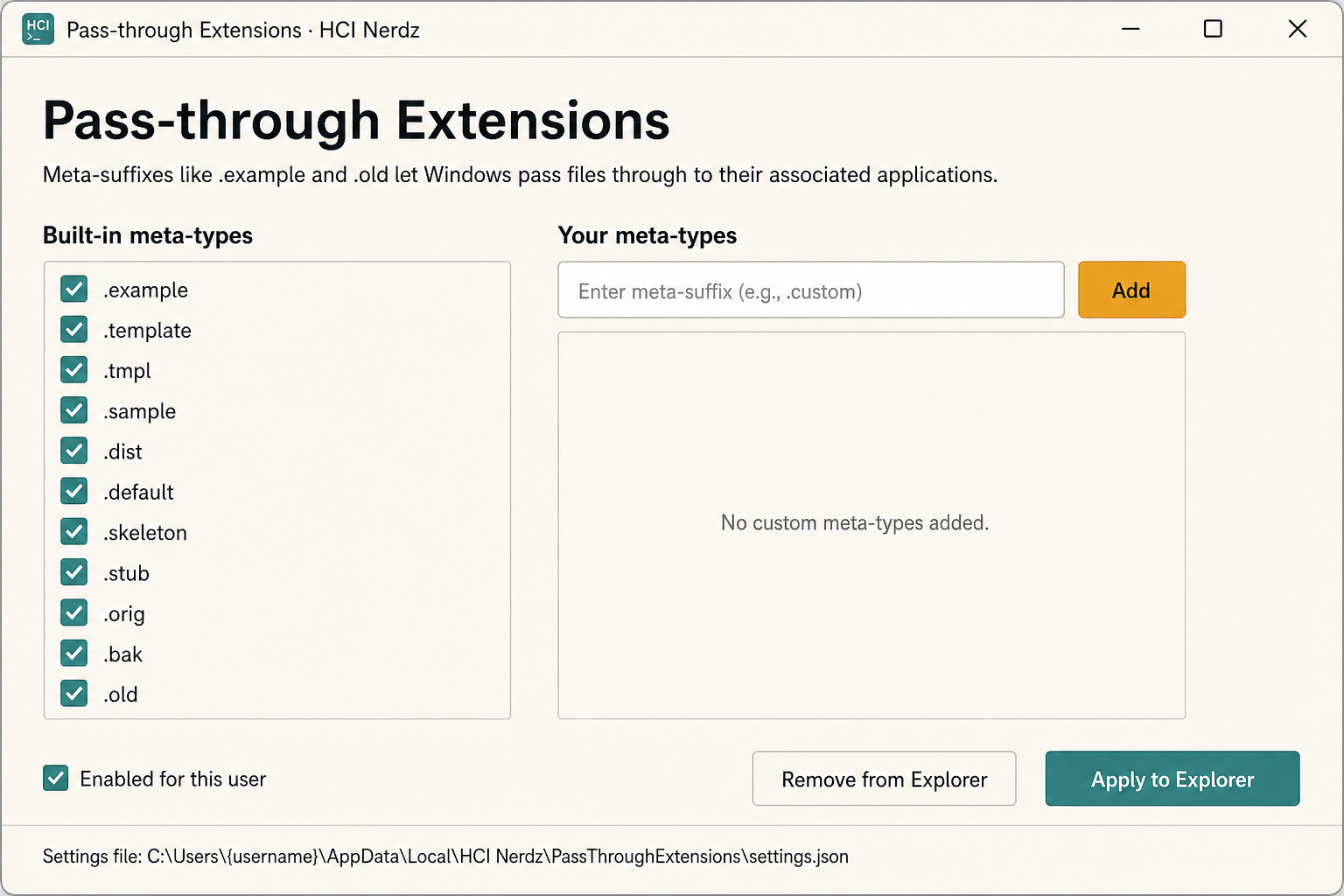
.example.template/.tmpl.sample.dist.default.skeleton.stub.orig.bak.old
Users should be able to extend that list (the Windows app already does).
Peel while the rightmost token stays on the list. Stop. Resolve .json (or .conf, or .ini) and invoke that open verb against appsettings.json.example — do not rename the file, do not pretend the path lost its badge.
Compression tails (.gz, .bz2, .xz) are not pass-through. Different problem. Different UX.
Product representation again
The filesystem already encodes the type in the stem. Humans already read it. Only the shell throws it away at the last mile. That is the same class of bug as hiding Commenter when search already knows: the engine (here, the name) knows; the first-class surface refuses to ask.
Intuition over backwards convention applies. Migrating association metadata is temporary. Living with “every example file is unopenable” is permanent and compounding across every repo on every Windows machine.
What we can ship without Redmond
Microsoft can still add a real passthru flag to ProgIDs. Until then:
- Docs — Pass-through extensions on the Antora hub
- Demo — Pass-through peel — type a name, watch last-suffix vs peel
- App —
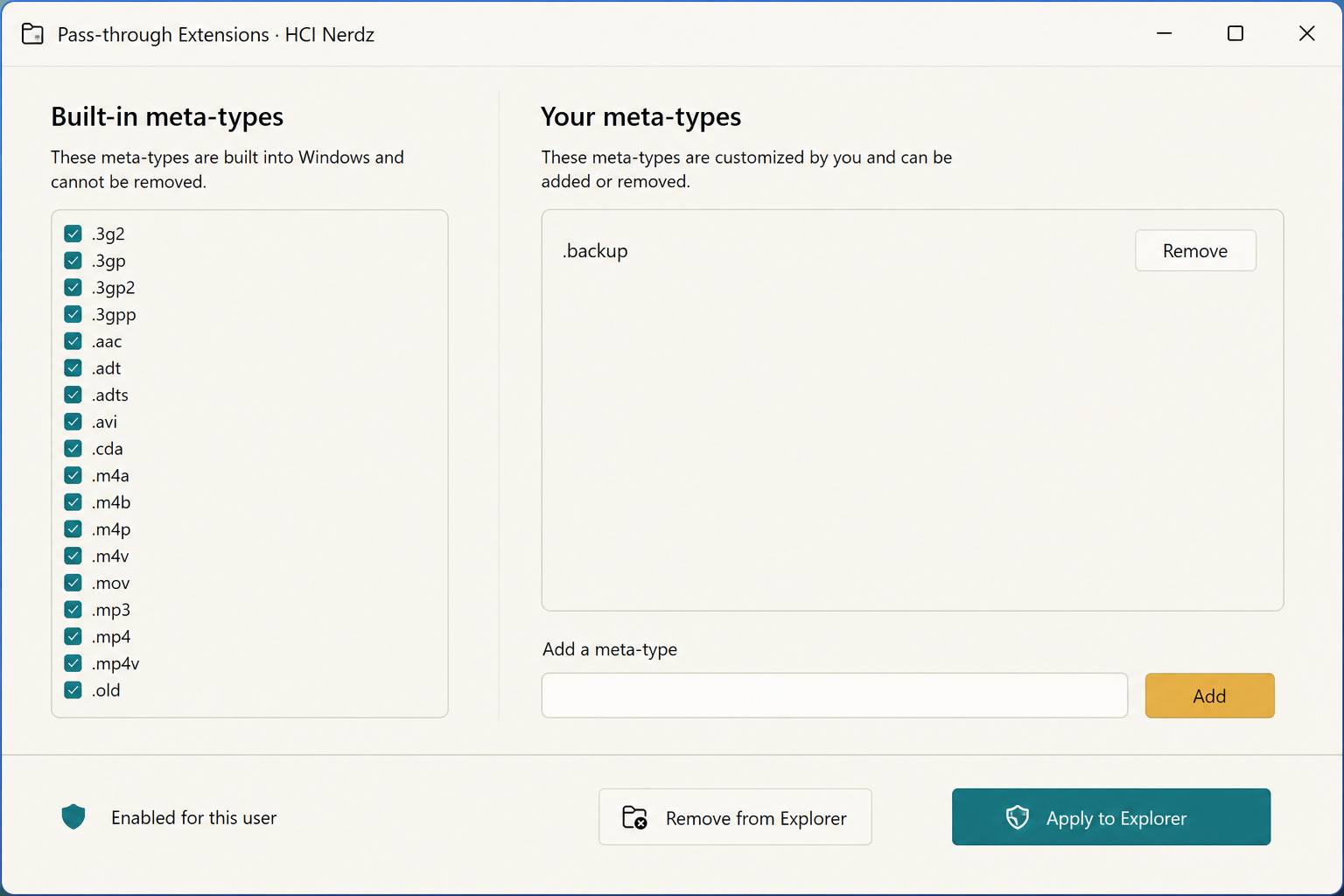
pass-through-extensionssettings UI + broker: toggle built-ins (including.old), add custom meta-types, Apply to Explorer
- Feedback — Feedback Hub / WinUI wishlist: documented meta-suffix association that delegates open and icon to the stem; PowerToys is a natural host for the workaround meanwhile (microsoft/PowerToys#49631)
Editors should grow matching files.associations defaults. Open dialogs inside apps should accept the same peel. But Explorer is where the double-click contract lives — that is the discoverable surface that matters first.
Try the peel
Open the interactive demo, paste docker-compose.yml.example, and compare the two resolution stories. Then install the helper if you want the real Explorer behavior on your machine — without waiting for a PO to discover meta-types.